Marketing Automation vs CRM: What’s the Difference?
Most teams buy one, assume it does both jobs, and then wonder why leads are falling through the cracks. The confusion is understandable — both tools store contact data, both touch the customer journey, and many vendors sell “all-in-one” platforms that blur the line deliberately. But CRM and marketing automation are built for fundamentally different workflows, and mixing them up costs real revenue.
Here’s what most people miss: the handoff point between marketing automation and CRM is exactly where deals are won or lost. Get the distinction right, and you get a system where marketing passes scored, warmed-up leads directly to sales reps who have full context. Get it wrong, and you get a database full of cold contacts that nobody trusts.
This guide gives you precise definitions, a feature-by-feature comparison, a practical decision framework, and a clear picture of when you need both tools working together.
What is a CRM System?
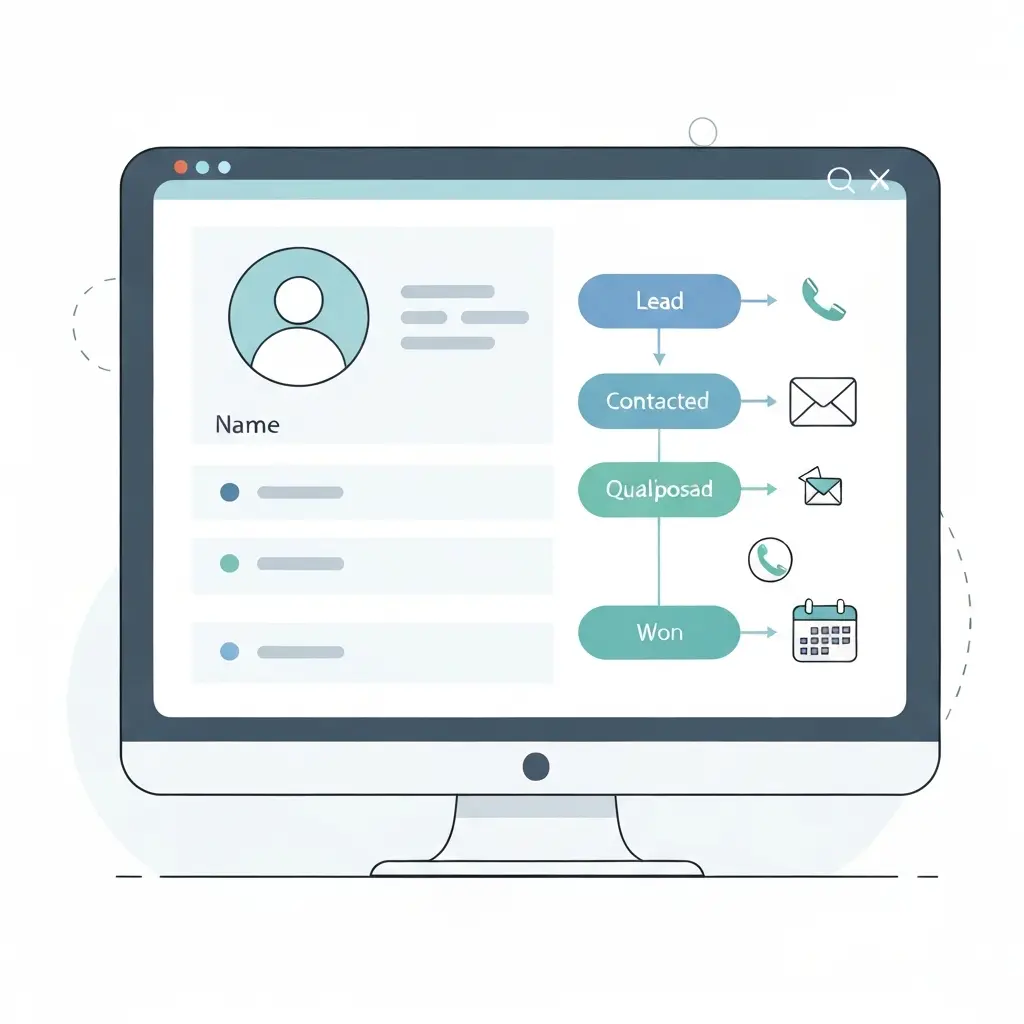
CRM is, at its core, a database with workflow logic built on top. Salesforce, HubSpot CRM, Pipedrive, and Zoho CRM all revolve around the same central object: the contact record. Every call, email, meeting note, and deal stage is logged there. The sales rep opens one screen and sees the full relationship history.
The primary users of a CRM are sales representatives, account executives, and customer success managers. According to Salesforce’s 2023 State of Sales report, 79% of sales teams use a CRM — and those that do see a 29% increase in sales revenue on average (Salesforce, 2023).
What CRM does not do natively: it doesn’t send automated email sequences at scale, it doesn’t score leads based on behavioral signals, and it doesn’t run A/B tests on subject lines. Those are marketing automation functions. CRM is reactive — it records what happened. Marketing automation is proactive — it triggers what happens next.
Core CRM features
- Contact and account management — centralized records for every prospect and customer
- Pipeline management — visual deal stages from first contact to close
- Activity logging — calls, emails, meetings recorded automatically or manually
- Sales forecasting — projected revenue based on pipeline probability
- Reporting and dashboards — win rates, cycle lengths, rep performance
- Task and reminder management — follow-up prompts for sales reps
What is Marketing Automation?
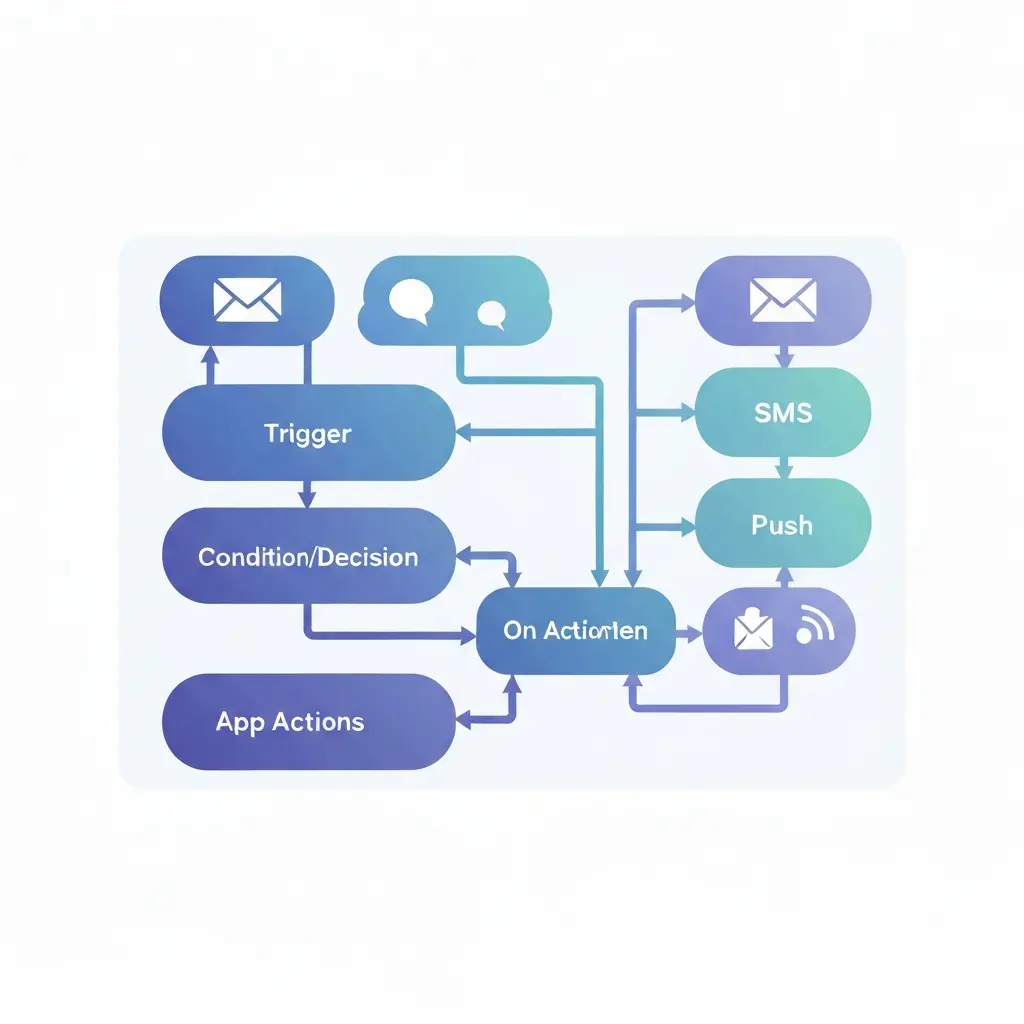
The defining characteristic of marketing automation is the trigger-action model: when a contact does X, the system does Y. A visitor downloads a whitepaper → they receive a 5-email nurture sequence. A lead visits the pricing page three times → their lead score increases by 20 points and a sales alert fires. No human intervention required.
Marketing automation is used primarily by marketing teams, demand generation specialists, and growth marketers. The global marketing automation market was valued at $5.9 billion in 2023 and is projected to reach $13.7 billion by 2030, growing at a CAGR of 12.8% (Grand View Research, 2024). That growth reflects how deeply these tools have become embedded in modern go-to-market operations.
Where CRM captures relationship data, marketing automation generates behavioral data. It tracks which emails a contact opened, which pages they visited, which CTAs they clicked — and uses that data to personalize future touchpoints and qualify leads before they ever talk to a sales rep.
Core marketing automation features
- Email marketing automation — triggered sequences, drip campaigns, broadcast emails
- Lead scoring — points assigned based on demographic fit and behavioral signals
- Dynamic segmentation — audiences that update automatically based on real-time data
- Multi-channel campaigns — email, SMS, push notifications, in-app messages, WhatsApp
- Visual workflow builder — drag-and-drop automation logic without code
- A/B testing — split-test subject lines, content, and send times
- Landing page and form tools — capture leads and trigger workflows automatically
- Analytics and attribution — campaign performance, conversion tracking, ROI reporting
CRM vs Marketing Automation: Side-by-Side Comparison
The fastest way to understand the difference is to see both tools mapped against the same criteria. Here’s a direct comparison across the dimensions that matter most for a buying decision.
| Dimension | CRM | Marketing Automation |
|---|---|---|
| Primary users | Sales reps, account managers, CS teams | Marketing teams, demand gen, growth marketers |
| Core function | Record and manage customer relationships | Automate campaigns and qualify leads |
| Data focus | Contact records, deals, sales activity | Behavioral data, campaign engagement, lead scores |
| Funnel stage | Mid to bottom (MQL → customer → retention) | Top to mid (awareness → MQL handoff) |
| Automation type | Task reminders, pipeline updates, alerts | Trigger-based campaigns, nurture sequences, scoring |
| Communication channels | Email (1:1), phone, meetings | Email (1:many), SMS, push, WhatsApp, in-app |
| Personalization | Manual, rep-driven | Automated, rule-based or AI-driven |
| Reporting focus | Pipeline, revenue, win/loss rates | Open rates, conversion rates, campaign ROI |
| Key metric | Revenue closed, deal velocity | MQLs generated, lead-to-opportunity rate |
| Popular tools | Salesforce, HubSpot CRM, Pipedrive, Zoho CRM | HubSpot Marketing, Marketo, ActiveCampaign, CampaignOS |
What Are the Key Differences Between CRM and Marketing Automation?
Five distinctions separate CRM from marketing automation in practice — not just on paper.
1. Who owns it and why
CRM is a sales tool. Sales reps update deal stages, log calls, and manage their pipeline inside it. Marketing automation is a marketing tool. Marketers build workflows, manage segments, and run campaigns inside it. When a single team tries to use one tool for both jobs, something breaks — usually lead tracking or attribution.
2. Reactive vs. proactive communication
CRM records what happened: “Rep called Jane on Tuesday, sent proposal Thursday.” Marketing automation makes things happen without human input: “Jane opened the pricing page → trigger 3-email sequence → if no reply in 5 days, assign to sales queue.” That’s the fundamental behavioral difference between the two systems.
3. 1:1 vs. 1:many outreach
CRM supports individual, personalized communication between a rep and a specific contact. Marketing automation sends campaigns to segments of thousands simultaneously — but with dynamic content that makes each message feel individual. Sending a 1:many nurture sequence through a CRM is technically possible but operationally painful. It’s not what CRM is optimized for.
4. Lead scoring lives in marketing automation
Lead scoring — assigning numerical values to contacts based on profile fit and behavioral engagement — is a core marketing automation function. A contact earns points for opening emails, visiting key pages, attending webinars, and matching the ideal customer profile. When a score crosses a threshold, the lead gets routed to CRM as an MQL. Understanding how lead scoring software qualifies leads automatically shows exactly why this function belongs in marketing automation, not CRM.
5. Channel reach
CRM primarily manages email (1:1) and call logging. Marketing automation orchestrates multi-channel journeys across email, SMS, push notifications, WhatsApp, Telegram, and on-site personalization — all from a single platform. That breadth of channel management is a defining marketing automation capability that CRM cannot replicate at scale.
How Do CRM and Marketing Automation Work Together?
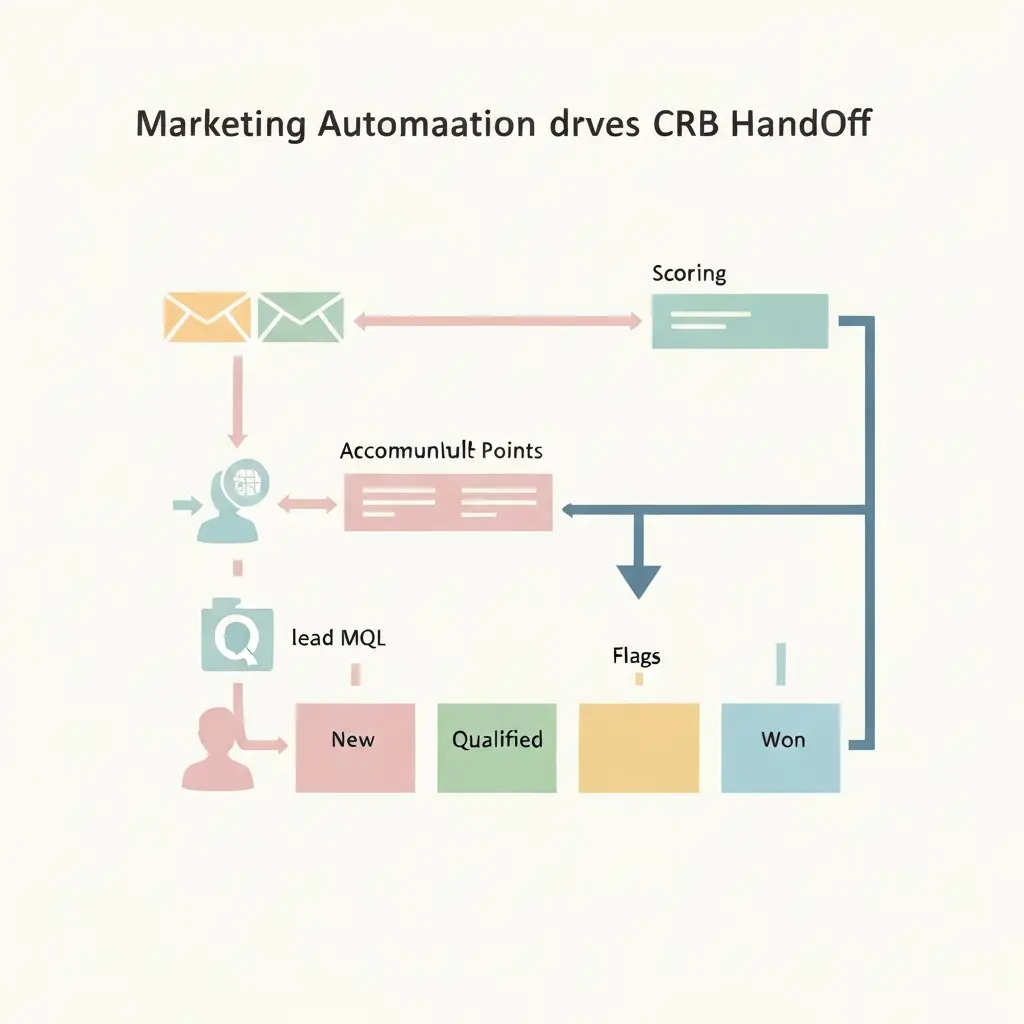
CRM and marketing automation work together through a structured lead handoff process: marketing automation qualifies and scores leads, then passes marketing-qualified leads (MQLs) to CRM when they meet a defined threshold.
Here’s what the integrated workflow looks like in practice:
- Lead capture — A form submission, ad click, or content download creates a new contact in the marketing automation platform.
- Nurture sequence triggers — The platform enrolls the contact in an automated email sequence based on the lead source or behavior.
- Behavioral scoring accumulates — Every page visit, email open, and CTA click adds points to the lead score.
- MQL threshold reached — When the score hits the defined threshold (e.g., 50 points), the system flags the lead as an MQL.
- CRM sync fires — The contact record syncs to the CRM, creating or updating a deal in the pipeline with full engagement history attached.
- Sales rep gets notified — The CRM assigns the lead to a rep and fires a task or alert to follow up within a defined SLA.
- Sales activity recorded in CRM — Every call, email, and meeting goes into the CRM contact record.
- Closed data feeds back to marketing automation — Win/loss data from CRM updates segments in marketing automation, enabling post-sale onboarding sequences and retention campaigns.
This bidirectional data flow is what makes the combination powerful. Marketing automation generates pipeline; CRM closes it. Without the integration, marketing teams send campaigns into a void and sales teams receive unqualified leads with no context.
Do You Need Both CRM and Marketing Automation?
Not always — it depends on your sales model, team size, and revenue stage. But most B2B businesses with a defined sales cycle and a marketing function benefit from running both systems in sync.
You likely need only a CRM if you’re a very early-stage startup with fewer than 100 leads, your sales cycle is primarily outbound and relationship-driven, and your marketing function doesn’t yet exist as a formal team.
You likely need only marketing automation if you sell a product with a self-service or e-commerce model where no sales rep is involved, your revenue comes from high-volume, low-touch transactions, and you need campaign execution more than pipeline management.
You need both if you have an inside sales or field sales team, your marketing team generates inbound leads that need nurturing before sales engagement, and your average deal value justifies structured lead qualification. That describes most B2B SaaS companies, professional services firms, and mid-market businesses.
What most people miss is the third option: a unified customer engagement platform that handles contact management, multi-channel campaigns, behavioral automation, and lead scoring in a single system — without requiring a separate CRM integration for early-stage teams. For a full picture of what that looks like, the breakdown of what a customer engagement platform does and how it differs from CRM is worth reading before you commit to a two-tool stack.
When Should You Use CRM, Marketing Automation, or Both?
Business stage and sales model are the two variables that drive this decision. Here’s a practical framework mapped to common scenarios.
| Business scenario | Recommended approach | Why |
|---|---|---|
| Pre-revenue startup, founder-led sales | CRM only | You need relationship tracking, not campaign automation |
| E-commerce or self-serve SaaS | Marketing automation only | No sales team; need campaign execution and retention flows |
| B2B SaaS with inbound leads and sales team | Both, integrated | Marketing nurtures; sales closes; handoff requires both systems |
| Small business, one-person marketing team | Unified platform | One tool reduces integration complexity and cost |
| Enterprise with complex sales cycles | Dedicated CRM + dedicated marketing automation | Scale and customization requirements exceed unified platforms |
| Agency or consultancy managing multiple clients | Marketing automation first, CRM per client | Campaign execution is the core deliverable; client CRMs vary |
The comparison between HubSpot’s integrated CRM-plus-automation approach and Mailchimp’s marketing-first model is a useful real-world illustration of this tradeoff. The detailed Mailchimp vs HubSpot comparison for 2026 maps out exactly what you gain and give up with each approach.
How CampaignOS Bridges Marketing Automation and CRM Functions
CampaignOS is an open-source marketing automation and customer engagement platform built for teams that want serious automation capability without locking into a $1,200/month enterprise contract.
It handles the full marketing automation stack — contact management, dynamic segmentation, multi-channel campaign execution (email, SMS, push notifications, WhatsApp, Telegram, and on-site personalization), visual workflow builder, lead scoring, A/B testing, and a unified inbox. That covers everything on the marketing automation side of the CRM vs. marketing automation equation.
For teams at the startup or small business stage, CampaignOS functions as the central contact database and campaign engine simultaneously. You’re not managing two systems or building integrations on day one. The platform’s n8n integration means heavy orchestration — syncing with external CRMs, passing MQL data to sales tools, triggering Slack alerts — is available when your stack grows to need it.

What makes CampaignOS particularly practical for the CRM-vs-marketing-automation question: it gives marketing teams a complete automation platform while leaving CRM choice open. You can run CampaignOS as your marketing automation layer and connect it to Pipedrive, HubSpot CRM, or Salesforce via n8n — or use it as a unified contact and campaign platform until your sales team is large enough to warrant a dedicated CRM.
Self-hosted on Vercel with PostgreSQL, it’s a genuinely viable alternative to Mailchimp + HubSpot for teams where data ownership matters. You can explore CampaignOS and start building workflows at app.campaignos.site.
Decision Framework: Choosing the Right Tool for Your Business
Answer these five questions to determine your correct tool configuration.
-
Do you have a sales team that manages individual relationships?
Yes → You need CRM. No → CRM may be premature. -
Do you send marketing campaigns to audiences of 500+ contacts?
Yes → You need marketing automation. No → A basic email tool may suffice. -
Is there a defined handoff point where marketing passes leads to sales?
Yes → You need both systems integrated. No → One system likely covers your needs. -
Do you need behavioral triggers — automating actions based on what contacts do?
Yes → Marketing automation is essential. No → CRM task reminders may be enough. -
Is your budget under $500/month for the entire stack?
Yes → Consider a unified platform or open-source marketing automation. No → Dedicated best-of-breed tools become viable.
Checklist: signals you’re ready for marketing automation
- ☐ You have a repeatable lead capture process (forms, ads, content downloads)
- ☐ You send more than 2 marketing emails per month to a list of 200+ contacts
- ☐ You want to trigger follow-up actions based on contact behavior (opens, clicks, page visits)
- ☐ You need lead scoring to prioritize sales outreach
- ☐ You run campaigns across more than one channel (email + SMS, email + push)
- ☐ You want to segment contacts dynamically based on real-time behavior
- ☐ You need to prove marketing’s impact on pipeline with attribution data
Checklist: signals you’re ready for CRM
- ☐ You have at least one dedicated sales rep managing relationships
- ☐ Your sales cycle is longer than 2 weeks and involves multiple touchpoints
- ☐ You need to track deal stages and forecast revenue
- ☐ Multiple people need visibility into the same customer relationships
- ☐ You’re losing deals because follow-up falls through the cracks
- ☐ You need to measure rep performance and pipeline health
Frequently Asked Questions
Is HubSpot a CRM or marketing automation platform?
HubSpot is both — it offers a free CRM with paid marketing automation added through its Marketing Hub. The CRM manages contact records, pipelines, and sales activity. Marketing Hub adds email automation, workflows, lead scoring, and multi-channel campaign tools. Most small and mid-sized teams use HubSpot as an integrated CRM-plus-marketing-automation system, while enterprise teams often add Salesforce or a dedicated marketing automation platform on top.
Can a CRM replace marketing automation?
No. A CRM can send individual emails and set task reminders, but it cannot execute trigger-based campaign sequences, score leads based on behavioral data, or manage multi-channel campaigns at scale. CRM is built for managing existing relationships, not for the automated top-of-funnel and mid-funnel work that marketing automation handles. Teams that try to use CRM as a marketing automation replacement typically end up with manual, inconsistent nurture processes.
What does marketing automation actually do?
Marketing automation executes predefined actions — sending emails, updating contact scores, triggering notifications, moving contacts between segments — based on rules or AI-driven logic, without manual intervention. A typical use case: a contact downloads an ebook → the platform sends a welcome email → 3 days later, a follow-up with a case study → if the contact visits the pricing page, their lead score increases and a sales alert fires. The entire sequence runs automatically.
What is the difference between email marketing and marketing automation?
Email marketing sends the same message to a defined list at a scheduled time — it’s broadcast-based. Marketing automation sends personalized messages triggered by specific contact behaviors or attributes, across multiple channels, without a fixed send time. Marketing automation includes email but also encompasses SMS, push notifications, lead scoring, dynamic segmentation, and multi-step workflow logic. Email marketing is a feature inside marketing automation, not a substitute for it.
How does lead scoring connect marketing automation and CRM?
Lead scoring is calculated inside marketing automation and used inside CRM. The marketing automation platform assigns points based on behavioral signals (email opens, page visits, form submissions) and demographic fit (job title, company size, industry). When a lead score reaches a defined threshold, the contact is flagged as an MQL and synced to the CRM, where the sales team receives it with the full engagement history attached. This scoring-to-handoff workflow is the primary integration point between the two systems.
What is the best marketing automation tool for small businesses?
The best marketing automation tool for small businesses depends on budget, required channels, and technical capacity. ActiveCampaign suits teams that need email automation with basic CRM. HubSpot Marketing Hub works for teams already using HubSpot CRM. CampaignOS is a strong choice for teams that want open-source, self-hosted marketing automation with multi-channel capability (email, SMS, WhatsApp, push) and no per-contact pricing. Mailchimp works for email-only campaigns but lacks the behavioral automation depth of dedicated platforms.
Does marketing automation work without a CRM?
Yes — marketing automation platforms maintain their own contact database and can function as a standalone system. For e-commerce, self-serve SaaS, and early-stage businesses without a sales team, marketing automation runs complete without a CRM. The CRM becomes necessary when a sales team needs to manage individual pipeline relationships and track deal stages. Many teams start with marketing automation only and add CRM integration once the sales function grows to need it.
How much does marketing automation cost?
Marketing automation pricing ranges from $0 (open-source, self-hosted platforms like CampaignOS) to $50,000+/year for enterprise platforms like Marketo Engage or Salesforce Marketing Cloud. Mid-market options — ActiveCampaign, HubSpot Marketing Hub, Klaviyo — typically cost $50–$800/month depending on contact volume and features. Most platforms charge per contact or per email sent, so costs scale with list size. Self-hosted open-source platforms eliminate per-contact fees, replacing them with infrastructure and maintenance costs.
What is a marketing-qualified lead (MQL) and how does it relate to CRM and marketing automation?
A marketing-qualified lead (MQL) is a contact that marketing automation has identified as ready for sales engagement, based on lead score, behavioral signals, or demographic fit. MQL status is defined in marketing automation and transferred to CRM, where it becomes the trigger for sales activity. The MQL handoff is the core integration point between the two systems — it’s where marketing’s work ends and sales’ work begins, and where misalignment between the two teams typically shows up first.
Ready to build your marketing automation stack?
If this breakdown helped clarify the CRM vs. marketing automation question for your business, the logical next step is evaluating tools that fit